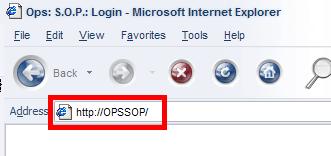
 To use the Emergency Management Document manager, point your browser to http://OPSSOP/ |
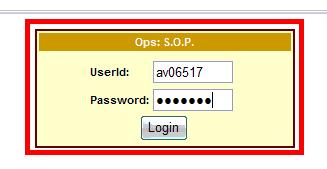 Log in using your AV number and password provided to you. |
|
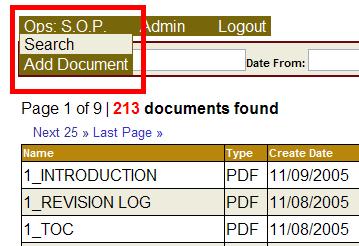
a: Using this menu, you can add new files to the Doc Manager b: You can find specific documents by searching the comments field. c: Navigate through the list using the "Next" button. d: You can narrow your search by choosing a date range using the calendar links. The date refers to the day the document was added to the database. e: Change the page size to view more doucments on the screen at a time. f: To view the document, Click the view button.
|
|
In the "Emergency Management" Menu you can add documents. |
|
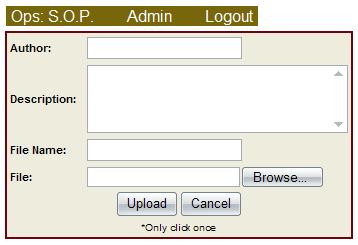
When you add a document, you must provide a description, filename and File. Click "Browse..." to choose the file you wish to upload. Click the "Upload" button to upload a file. Be sure to only click the "Upload" button once or the file will be uploaded multiple times. |